For KDP publishers, beginners and puzzle lovers · Works on Windows, Mac and Chromebook
NEW · PuzzleInk Studio

Create a Complete Large Print Puzzle Book
— Interior, Solutions and All — in Minutes

A simple offline app that builds print-ready Word Search, Sudoku and Maze books sized for Amazon KDP paperbacks. No design skills. No monthly fees. No AI subscription. No internet needed.

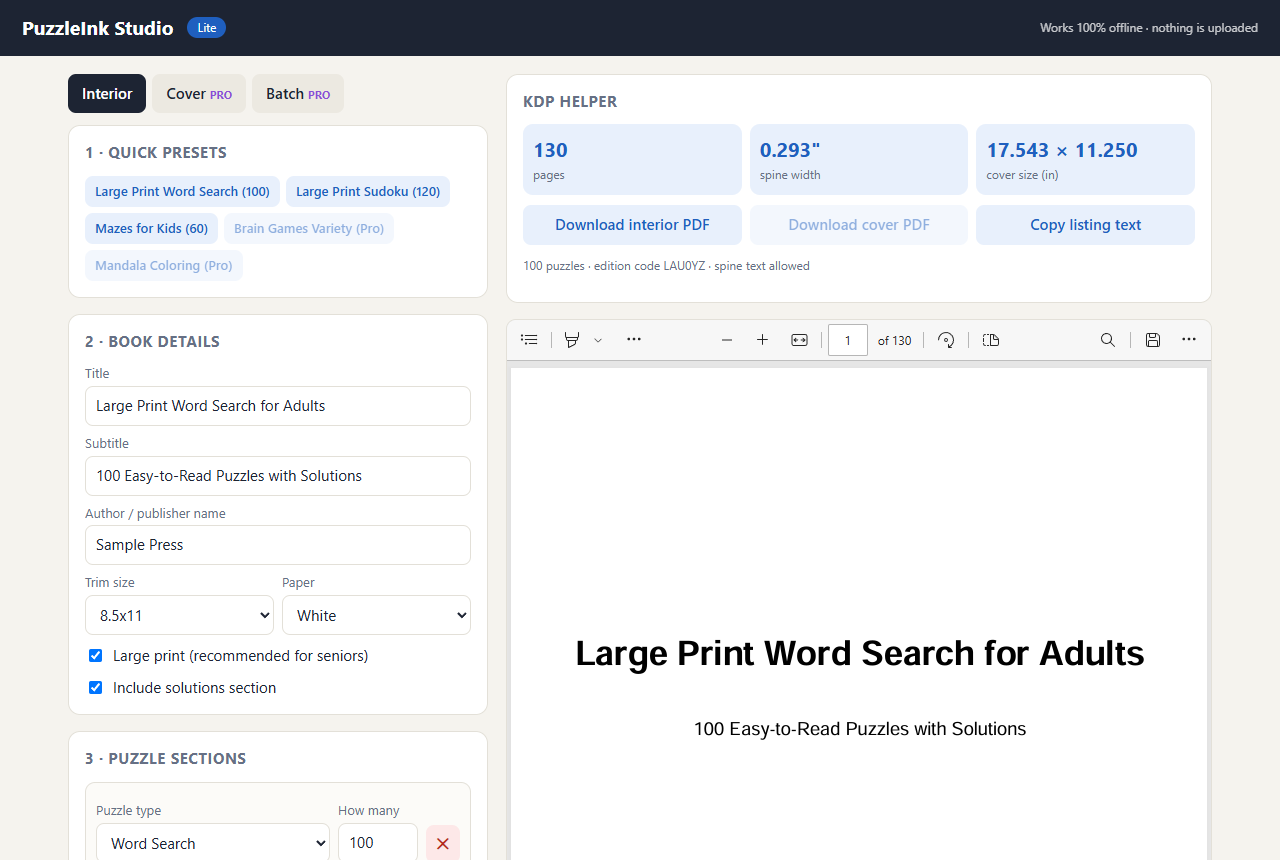
Get PuzzleInk Studio Now » PuzzleInk Studio app screen with a word search book preview
Puzzle books are one of the steadiest categories in self-publishing…

Word search, sudoku and maze books are bought all year long — by retirees who enjoy them every morning, by families looking for a thoughtful gift, by parents who need screen-free activities for kids. Large print editions for seniors are especially popular, and readers who like one book often look for the next volume in a series.

The hard part has always been making them. Building a 100-puzzle book by hand means fiddling with grids, checking every answer, laying out a solutions section, getting the margins right for KDP, and calculating the spine. Most people give up — or pay for subscription tools and design services.

PuzzleInk Studio does that work for you, on your own computer, in a couple of minutes.

What your finished books look like

Real pages exported straight from the app — nothing retouched.

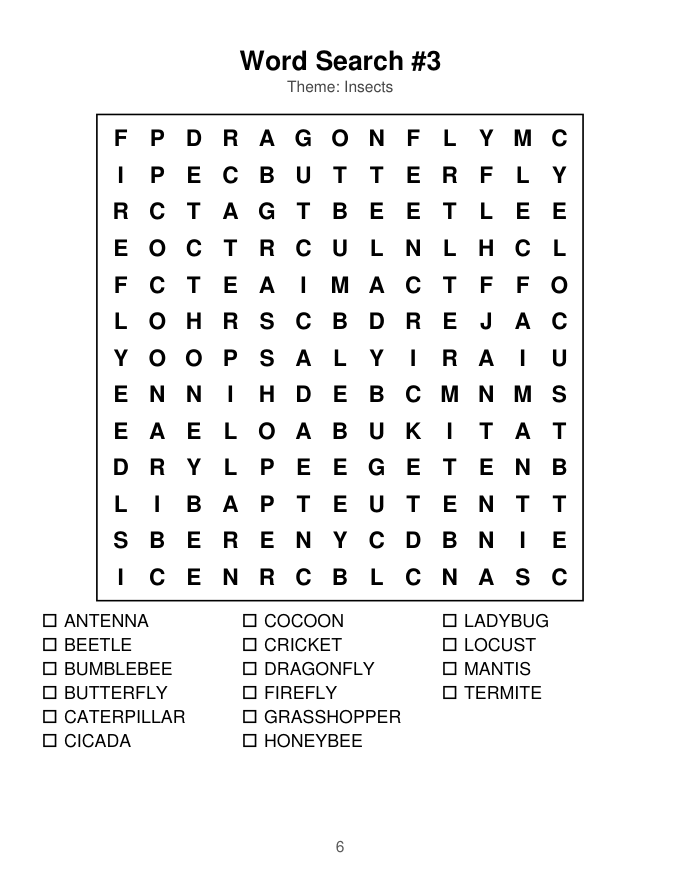
Large print word search page
Large print Word Search with themed word list
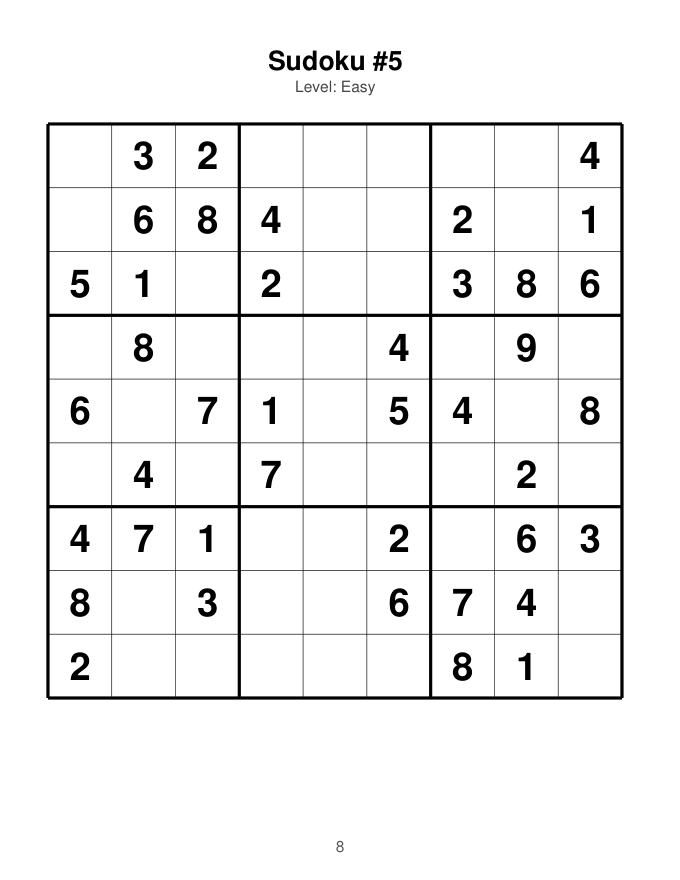
Large print sudoku page
Sudoku — every puzzle has exactly one solution
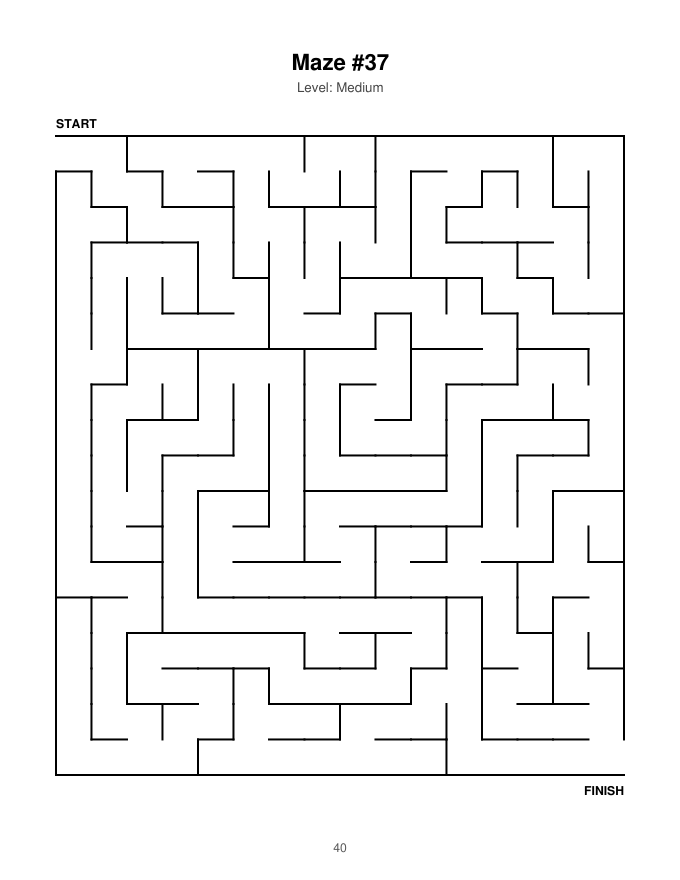
Maze page
Mazes from easy to expert
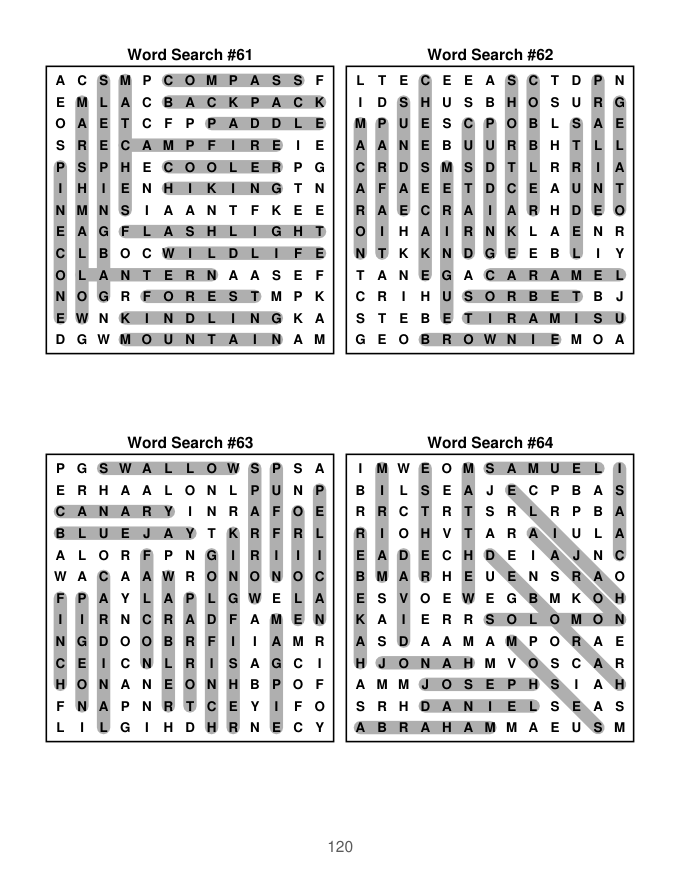
Solutions page

Solutions are created automatically

Every book gets a clean solutions section at the back — highlighted words, completed sudoku grids and drawn maze paths. You never have to check an answer by hand.

How it works — 3 simple steps

Pick a preset or build your own

Choose puzzle types, how many, difficulty and theme. 30 ready-made word themes included — gardens, birds, travel, Christmas, Bible names and more.

Click "Generate"

The app builds the whole interior: title page, copyright page, how-to-play pages, puzzles one per page, solutions and page numbers.

Download the PDF

Upload it to KDP as your paperback interior. The KDP helper shows your page count, spine width and cover size, and drafts your listing text.

Everything included in PuzzleInk Studio

Who is this for?

KDP beginners

Puzzle books are one of the friendliest ways to publish your first paperback — no writing, no illustrations.

Existing publishers

Add a puzzle series to your catalog, or make companion activity books for your niche audience.

Teachers, caregivers & families

Print custom puzzle packs for classrooms, care homes or grandparents — on themes they love.

Honest answers before you buy

PuzzleInk Studio + The Puzzle Book Blueprint

$17
One-time payment · no subscription

Instant digital download after purchase. Secure checkout by WarriorPlus.

30-DAY
MONEY-BACK

Our 30-day guarantee. Try PuzzleInk Studio and make your first book. If it isn't right for you, contact support within 30 days of purchase for a full refund of the front-end product. Each upgrade has the same 30-day guarantee.

Frequently asked questions

Do I need to install anything?

No. PuzzleInk Studio is a single file you open in your web browser. It runs completely on your computer, even without an internet connection.

Does it work on Mac?

Yes — Windows, Mac, Linux and Chromebook, in any modern browser.

Are there monthly fees or API keys?

No. You pay once. The app doesn't use ChatGPT or any online service, so there is nothing to subscribe to and nothing that can stop working.

Can I sell the books I make?

Yes. Books you create with the app are yours to publish and sell, including the theme word lists. You may not resell the app itself.

Will my books be the same as other buyers' books?

No. Each generation uses a new random edition code, so every book contains different puzzles.

Is a puzzle book a "low-content" book on KDP?

At the time of writing, KDP's help pages list puzzle books as not generally low-content. Always check KDP's current guidelines when you publish.

How many books can I make?

As many as you like on your own computer — there is no limit on the number of books you generate.